


앱과 도구
TravelExplore
Virtual World Travel Companion
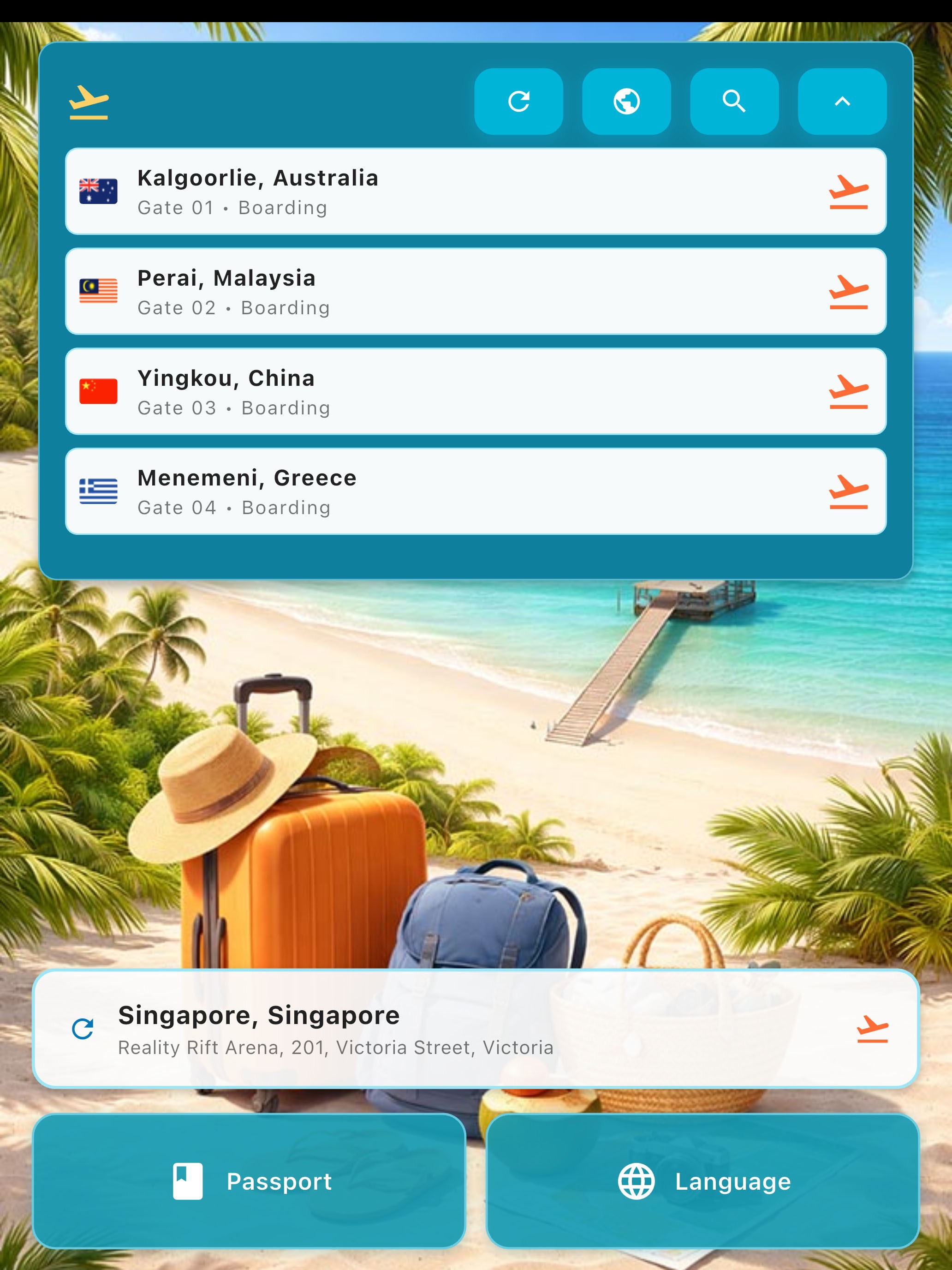
Departure Board
Browse airport-style departures and choose the next place to visit from the travel home screen.

Passport Overview
Check total destinations, countries visited, and travel time from the passport overview.
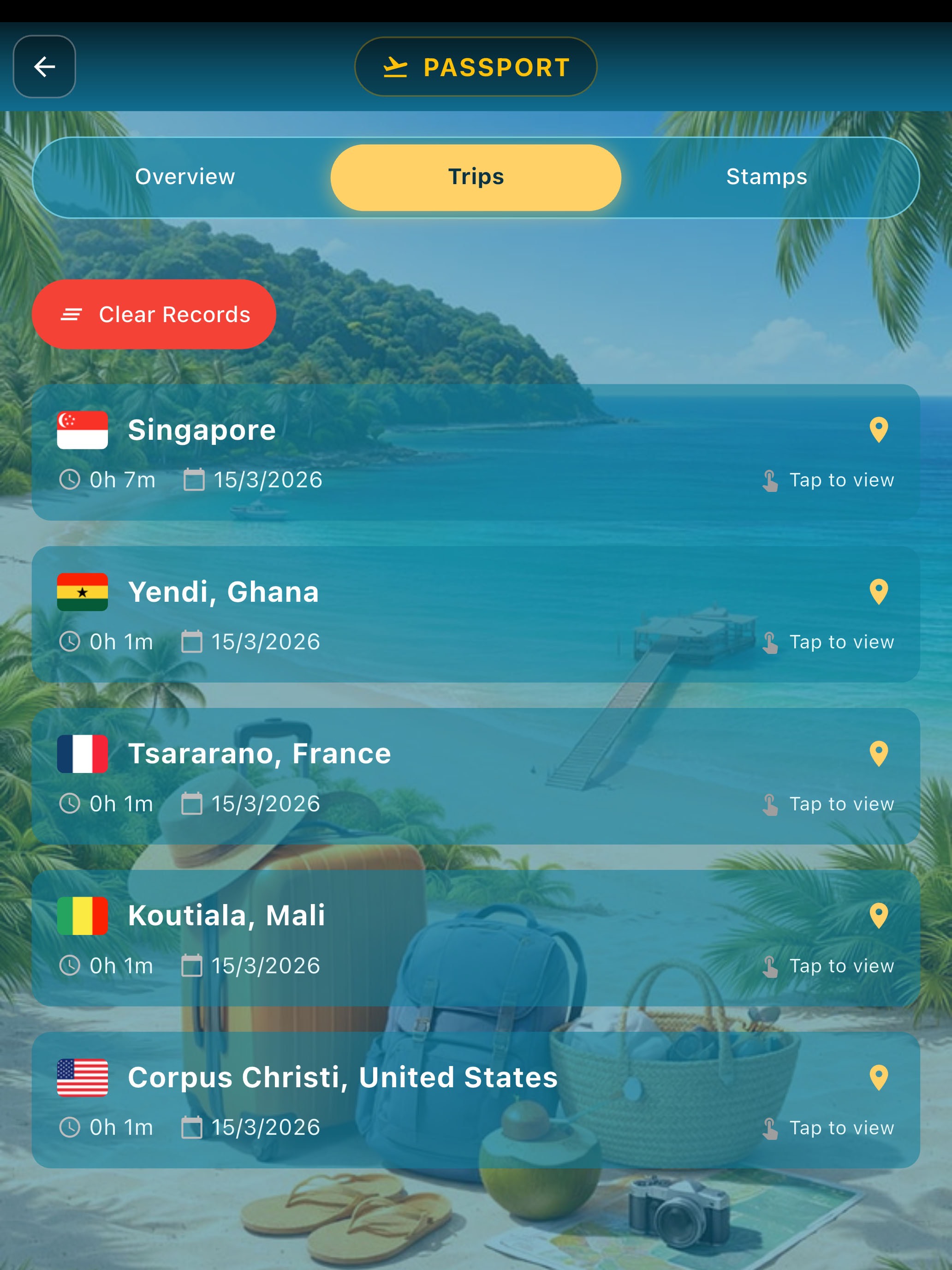
Trip History
Review saved trips from the passport journey list and reopen a destination quickly.
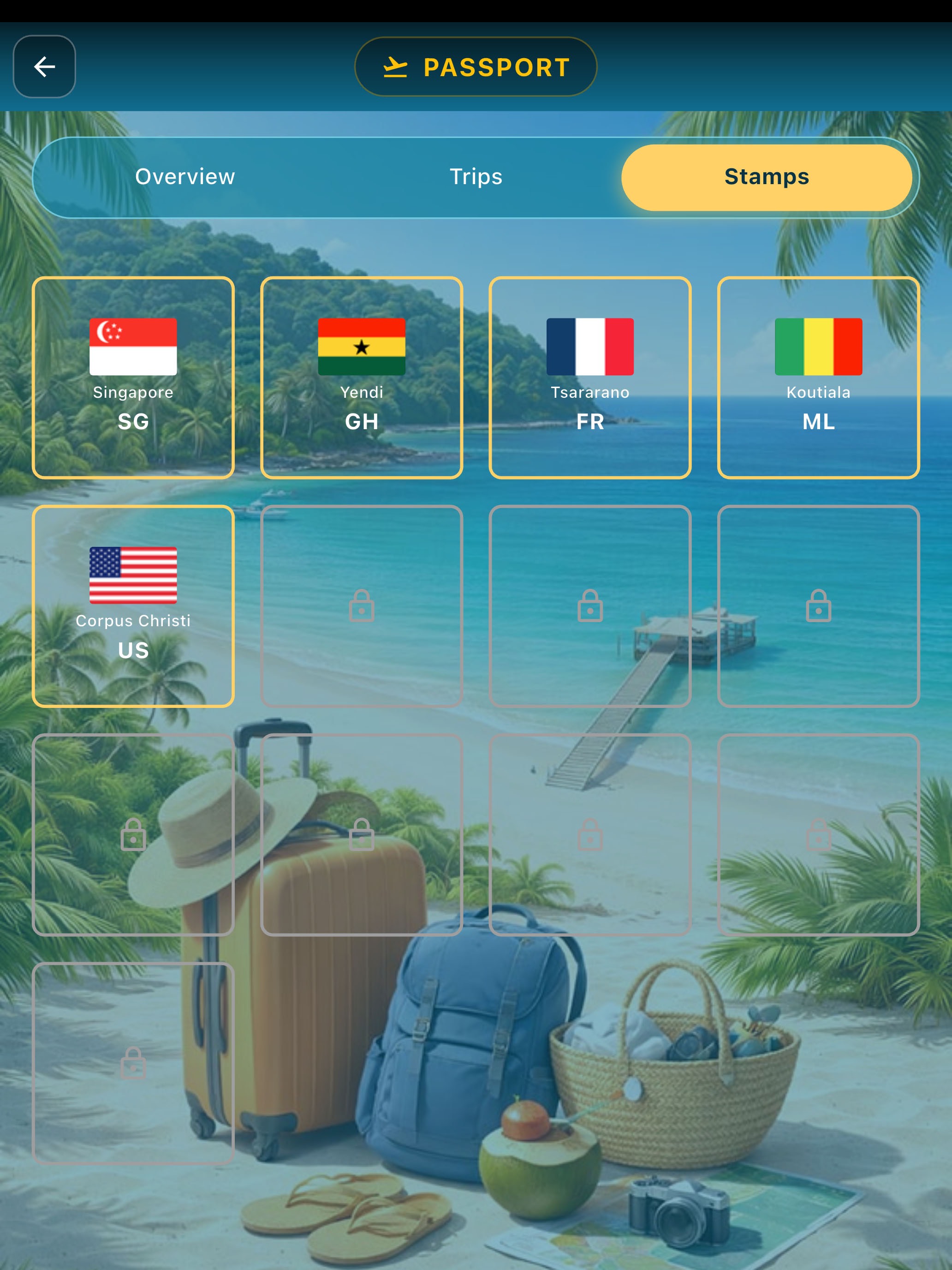
Stamp Collection
Collect destination stamps and see your travel record grow over time.
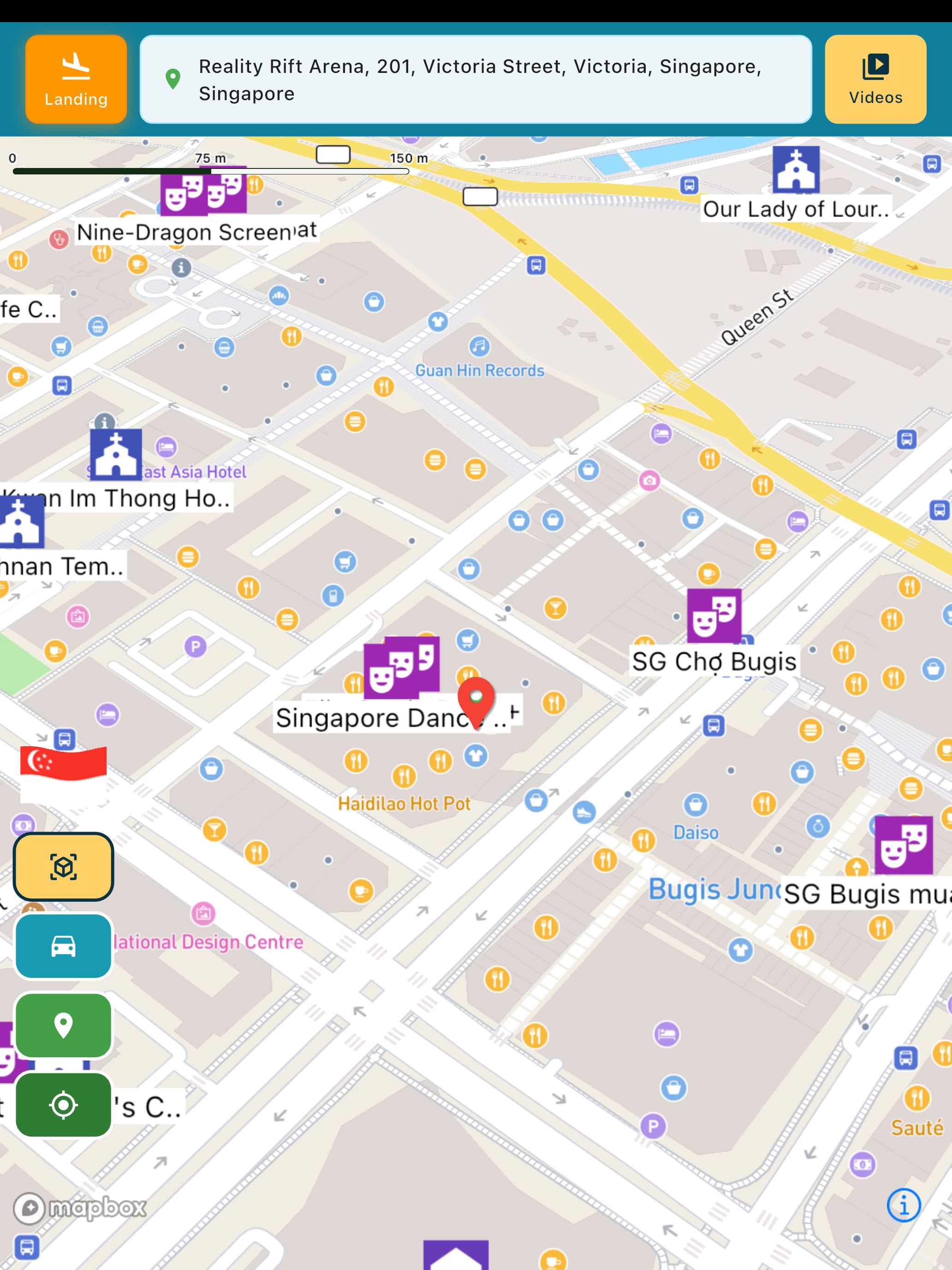
World Map Explorer
Open the destination map and start exploring the selected place with map controls and local info.
TravelExplore 다운로드


의견을 들려주세요
이 앱에 대한 의견을 들려주시면 좋겠습니다.