
FileAI Diary icon

FileAI Diary

Sicheres KI-Tagebuch

FileAI Diary screenshot 1

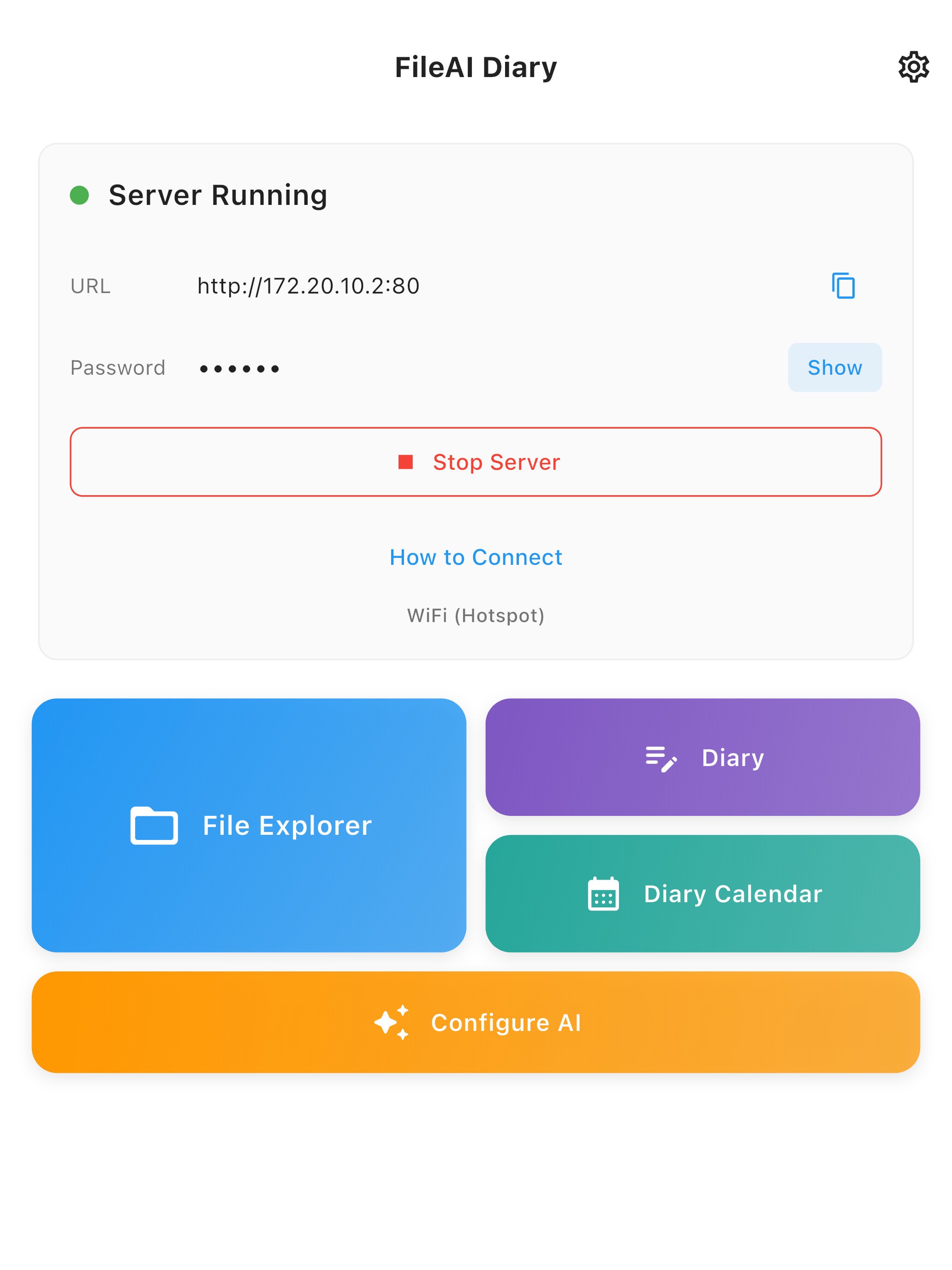
Private Wi-Fi File Server

Start a local Wi-Fi server to upload, download, and manage files from any browser with a private password-protected link.

FileAI Diary screenshot 2

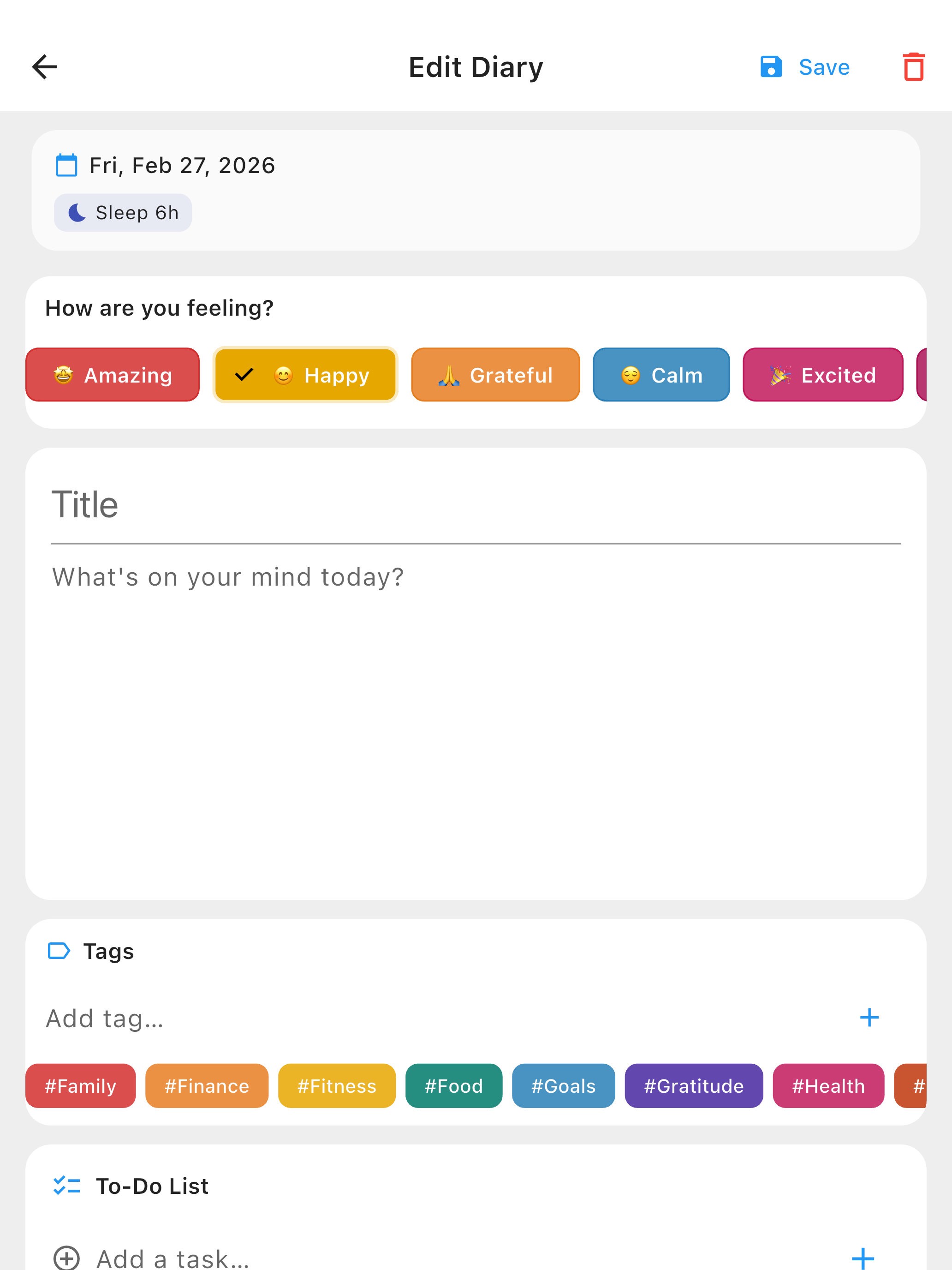
Diary Editor

Write daily entries with sleep notes, mood tracking, tags, and to-do lists in one structured journal screen.

FileAI Diary screenshot 3

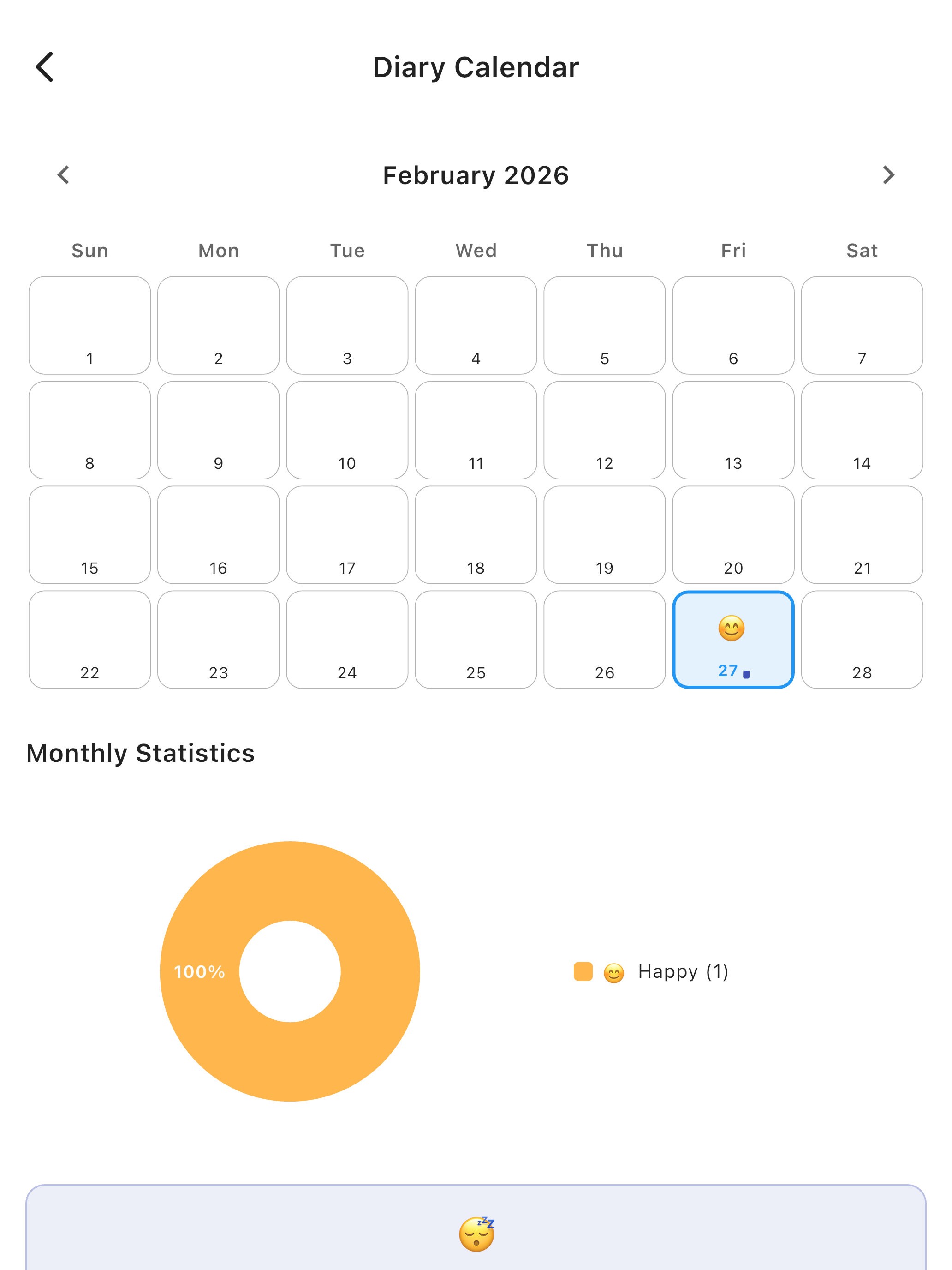
Calendar & Monthly Stats

Browse your entries by date and spot patterns with the built-in calendar and monthly diary statistics.

FileAI Diary screenshot 4

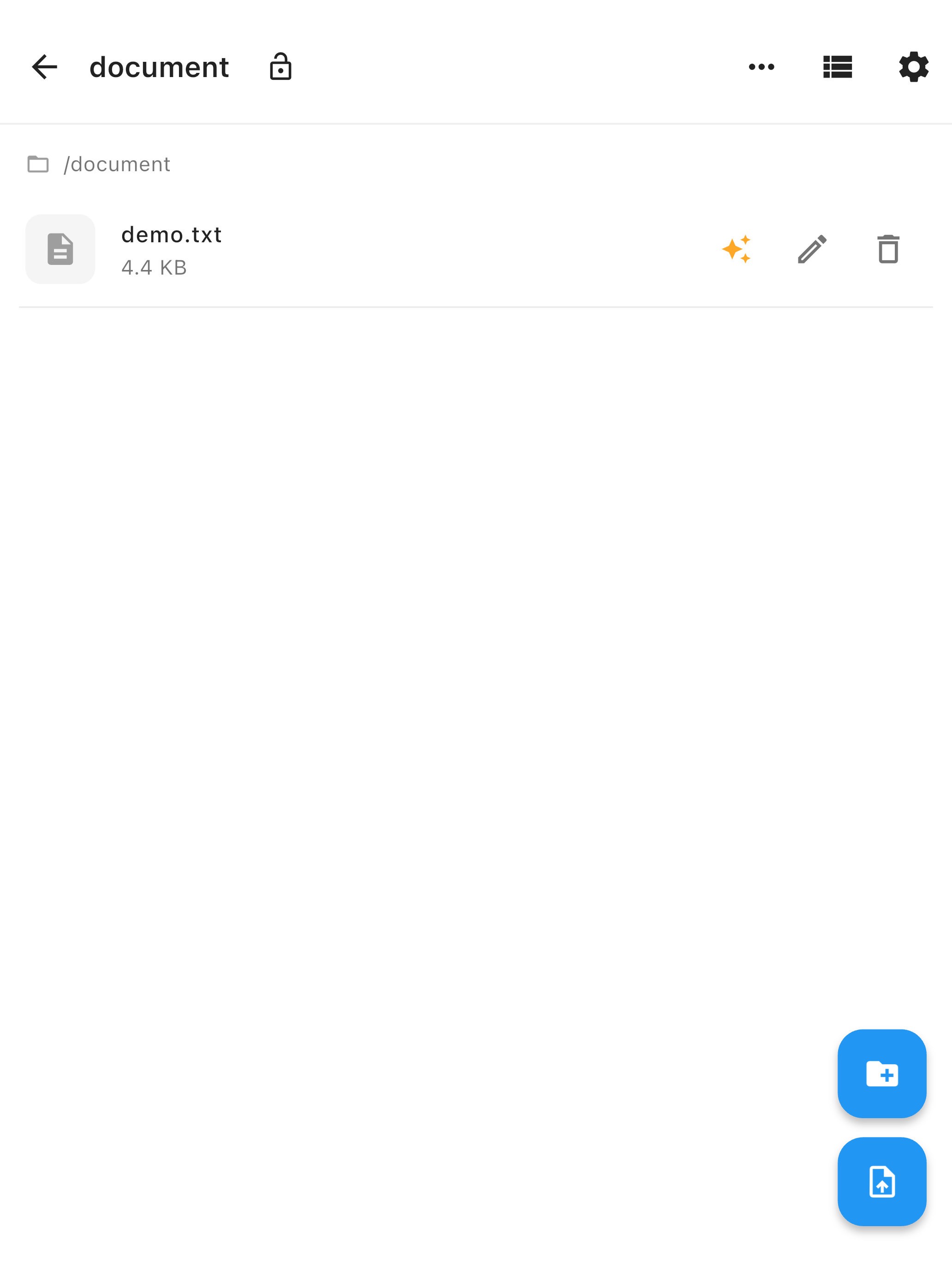
Secure File Vault

Keep documents in a private vault where you can browse folders, edit files, and manage everything locally.

FileAI Diary screenshot 5

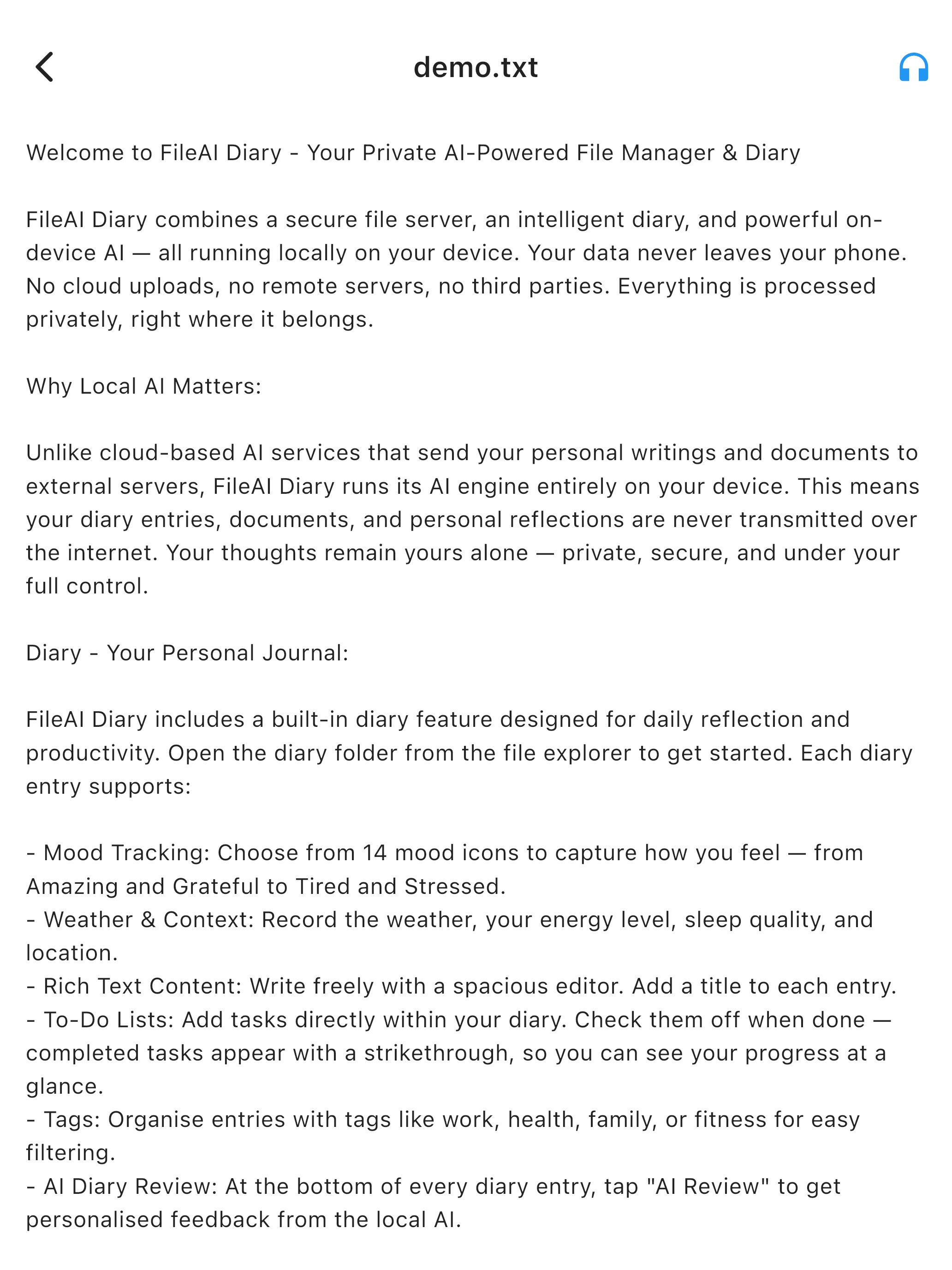
AI-Powered Reader

Open documents in a clean reader and use the on-device AI summary and analysis tools without sending your data to the cloud.

FileAI Diary screenshot 6

Text-to-Speech Playback

Listen hands-free with sentence navigation, playback controls, and progress tracking while reading documents aloud.

FileAI Diary screenshot 7

Reader Settings

Adjust language, theme, accent colors, AI styling, and voice options to fit your reading and journaling workflow.

FileAI Diary herunterladen

FileAI Diary on the App StoreFileAI Diary on Google Play