

Apps and tools
Home Compass Pro
Location Intelligence & Maps
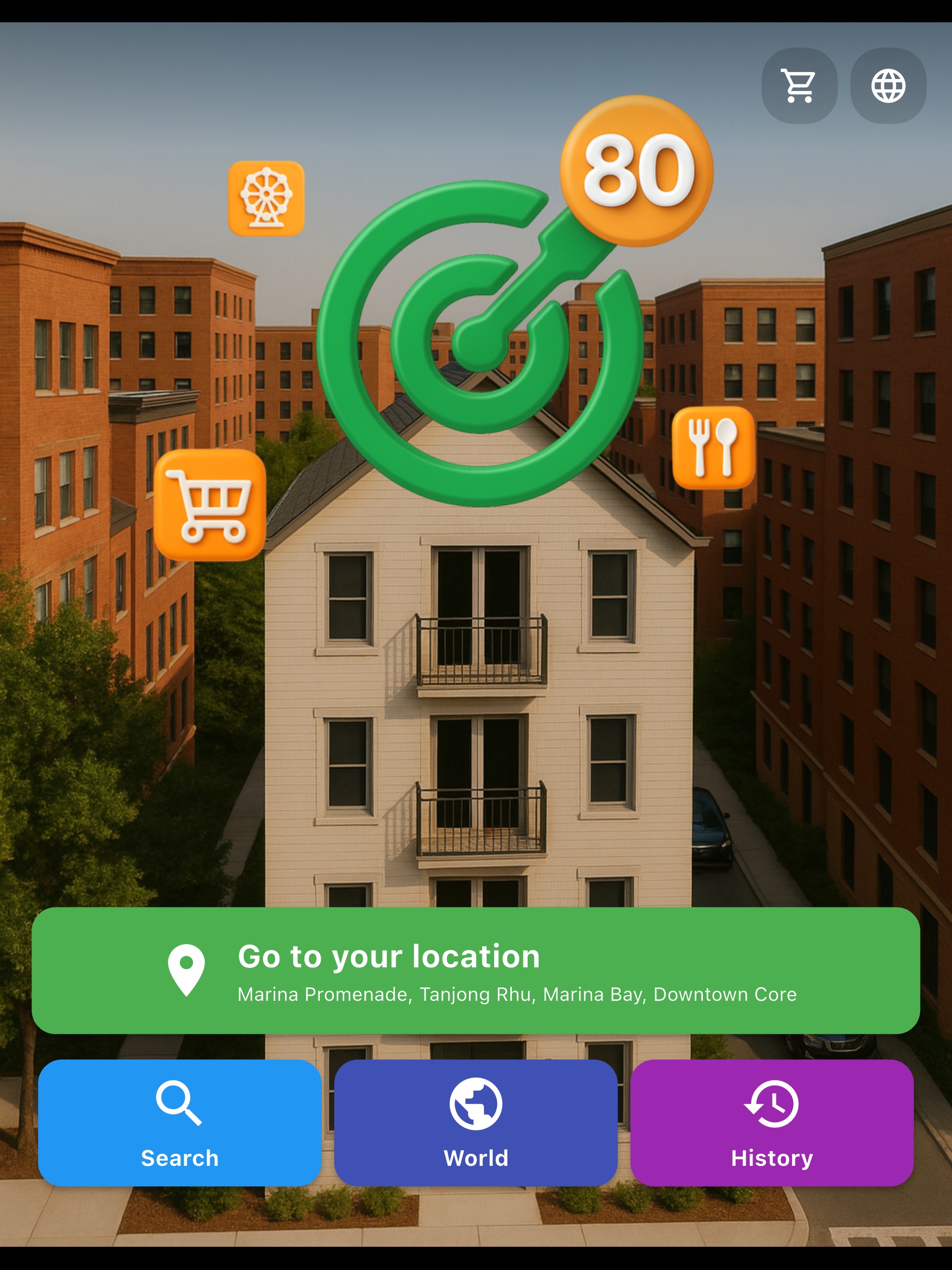
Floor Plan Entry
Choose the floor-plan workflow to turn a layout into a home model, or switch to nearby discovery from the same landing screen.
2D Layout Builder
Import a floor plan and position the rooms on the canvas before generating the 3D home view.
3D Space Preview
Inspect the generated home in 3D and review the room structure from an angled top-down view.
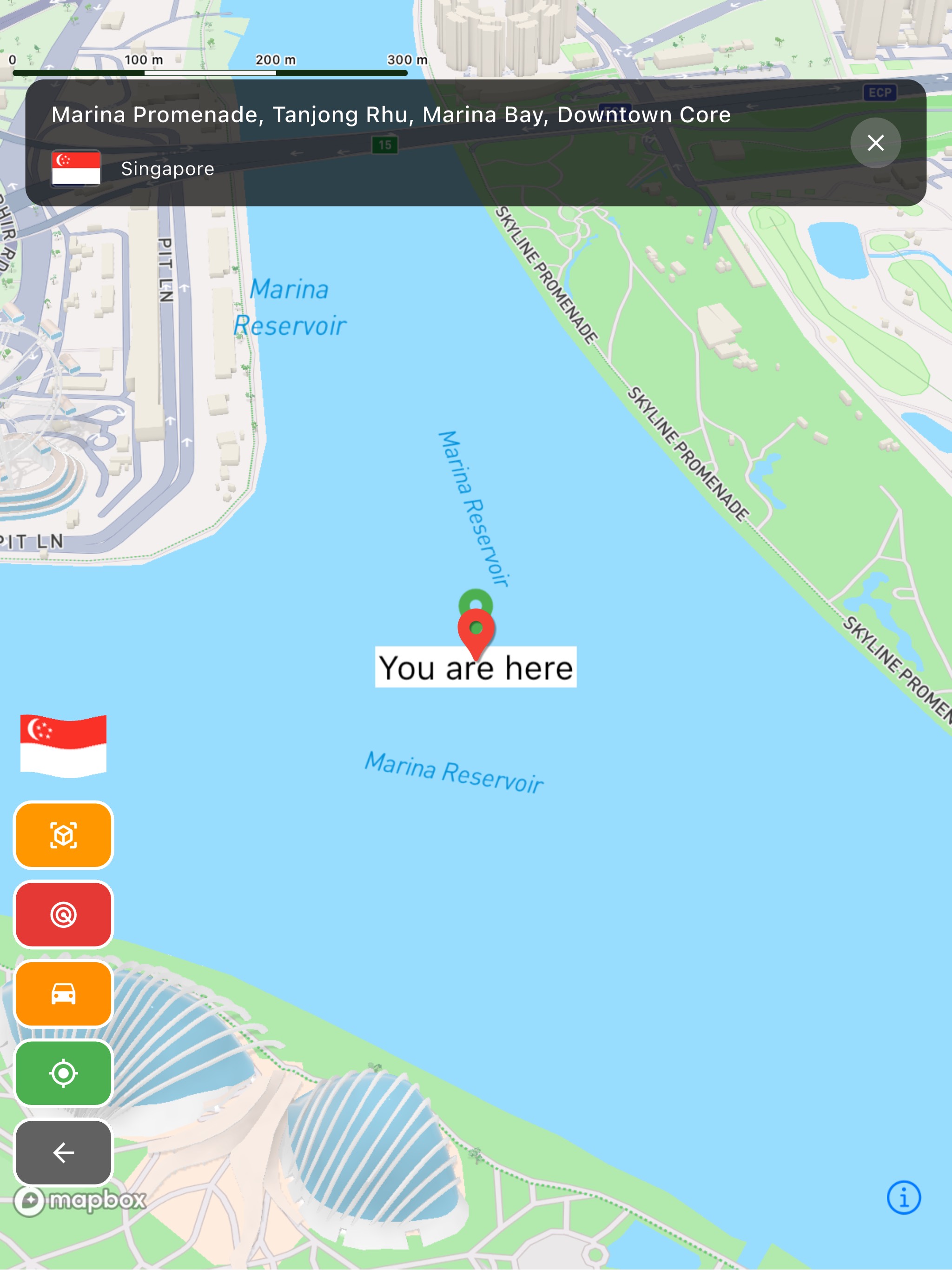
Address Search Map
Search a specific address on the 3D map and place the analysis pin before reviewing the neighborhood.
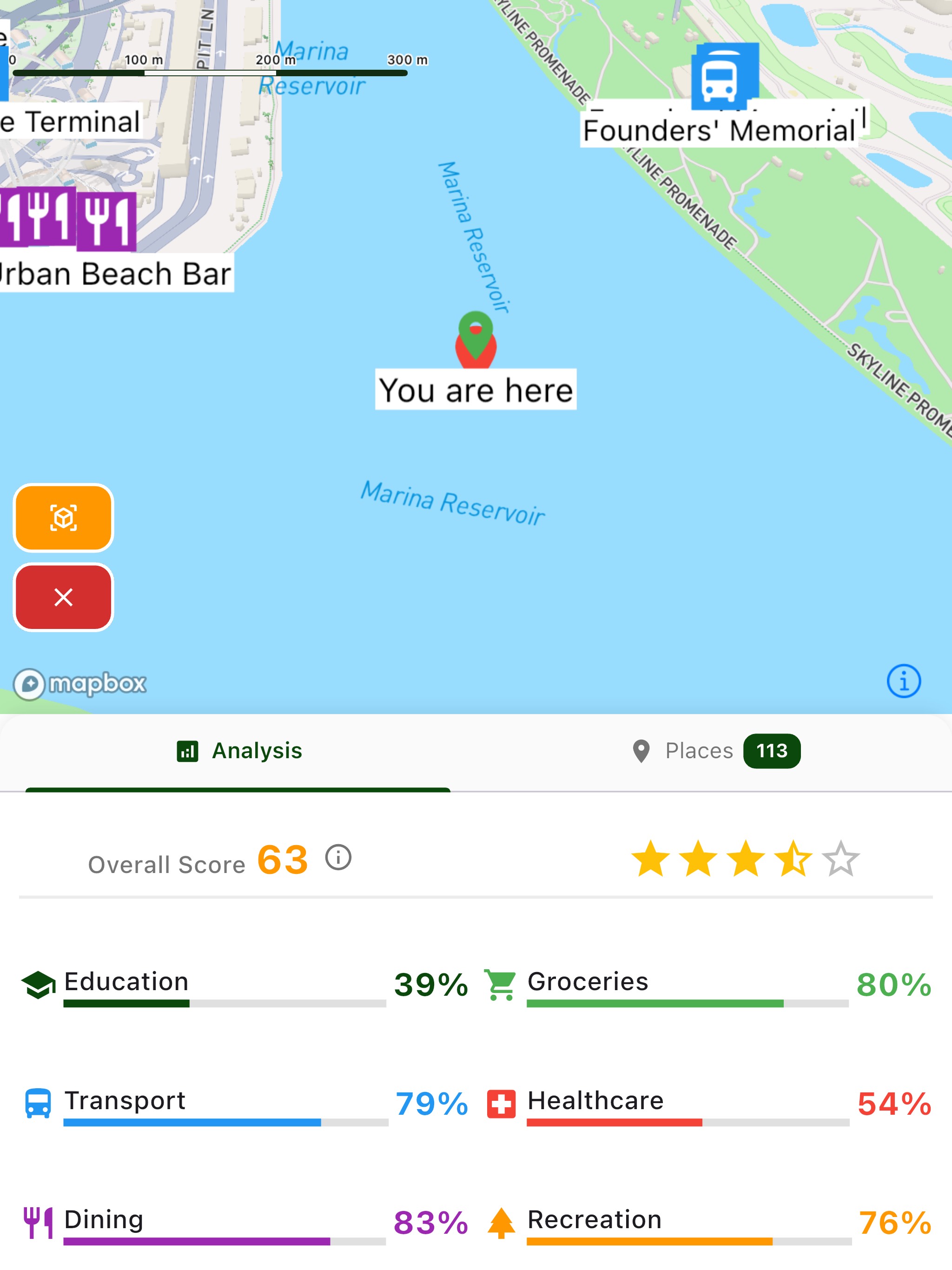
Neighborhood Scorecard
See the area rating, category scores, and place density around the selected point in one summary view.
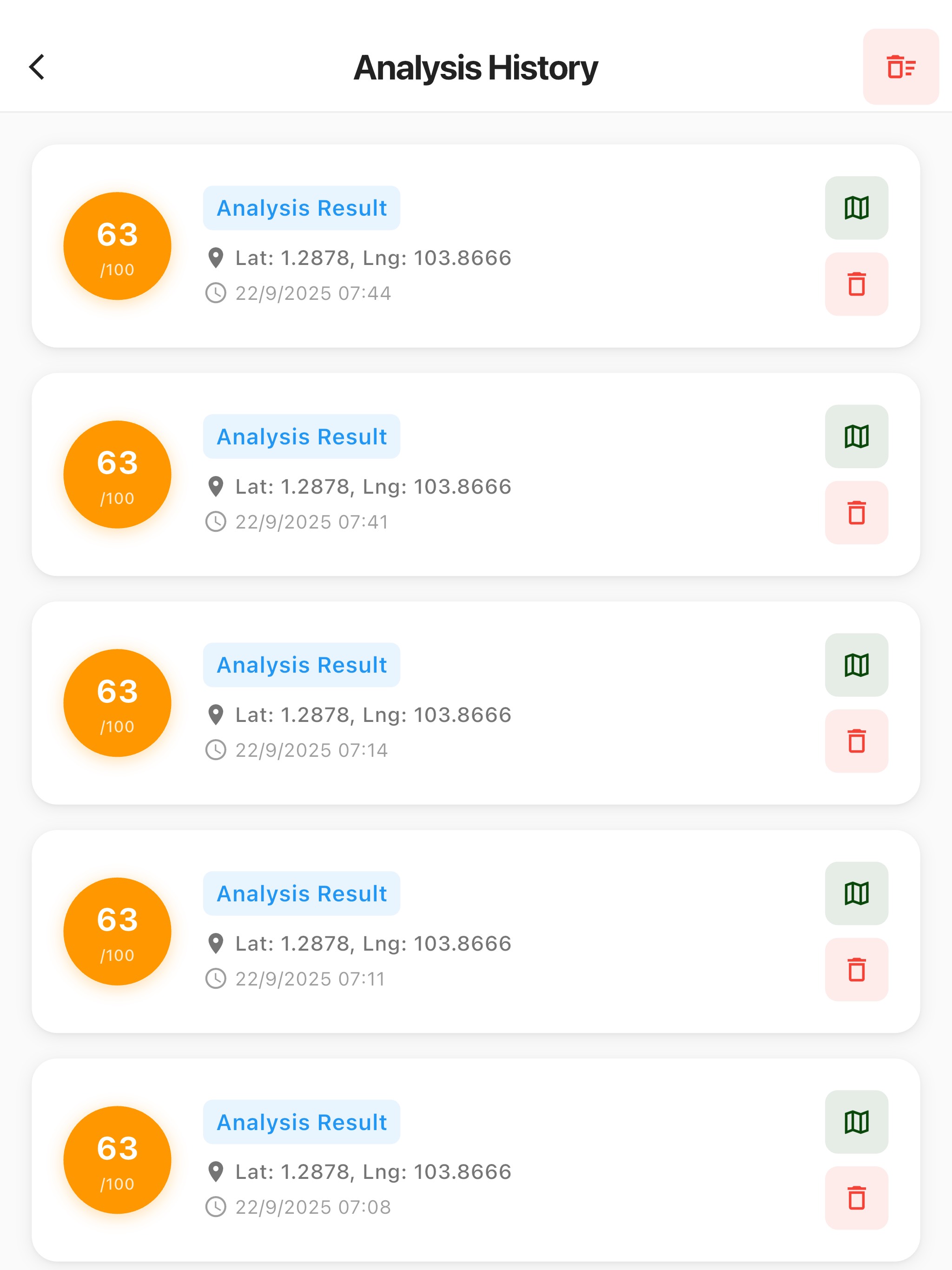
Nearby Place Breakdown
Open the nearby place list to compare restaurants, transport, services, and other amenities around the property.
Download Home Compass Pro


Share your feedback
I'd love to hear your thoughts about this app.